Why I Ditched Fedora for Arch Linux

From Fedora 42 KDE to Arch Linux GNOME – why I made the switch, the installation experience, and why pacman makes all the difference for a bloat-free system.
I’ve been running Fedora for on and off over the years since 2004. It has been solid and worked well out of the box, updates are solid. But I found myself getting bored and wanting to try something different.
So I made the jump to Arch Linux based on community hype. Here’s how it’s going. 🚀
Arch Linux Installation Reality Check
I’ll be honest. Arch isn’t for everyone. The installation process is manual(understatement). I was dropped into a terminal after ISO boot. I found myself using terminal to partition disks, configuring network, and building my system literally piece by piece.
Once I got started, I enjoyed this new challenge. I refused to watch a how-to and took up the new challenge. Navigating to the Arch Wiki, I began to unpick the steps required to manually deploy the operating system. I must admit without a guide, it took me a little longer than I was expecting, but in the end I found there’s something satisfying about building my own system. The biggest win was no pre-installed apps I’ll never open. Just what I need, and nothing I don’t.
GNOME Over KDE: A Surprising Switch
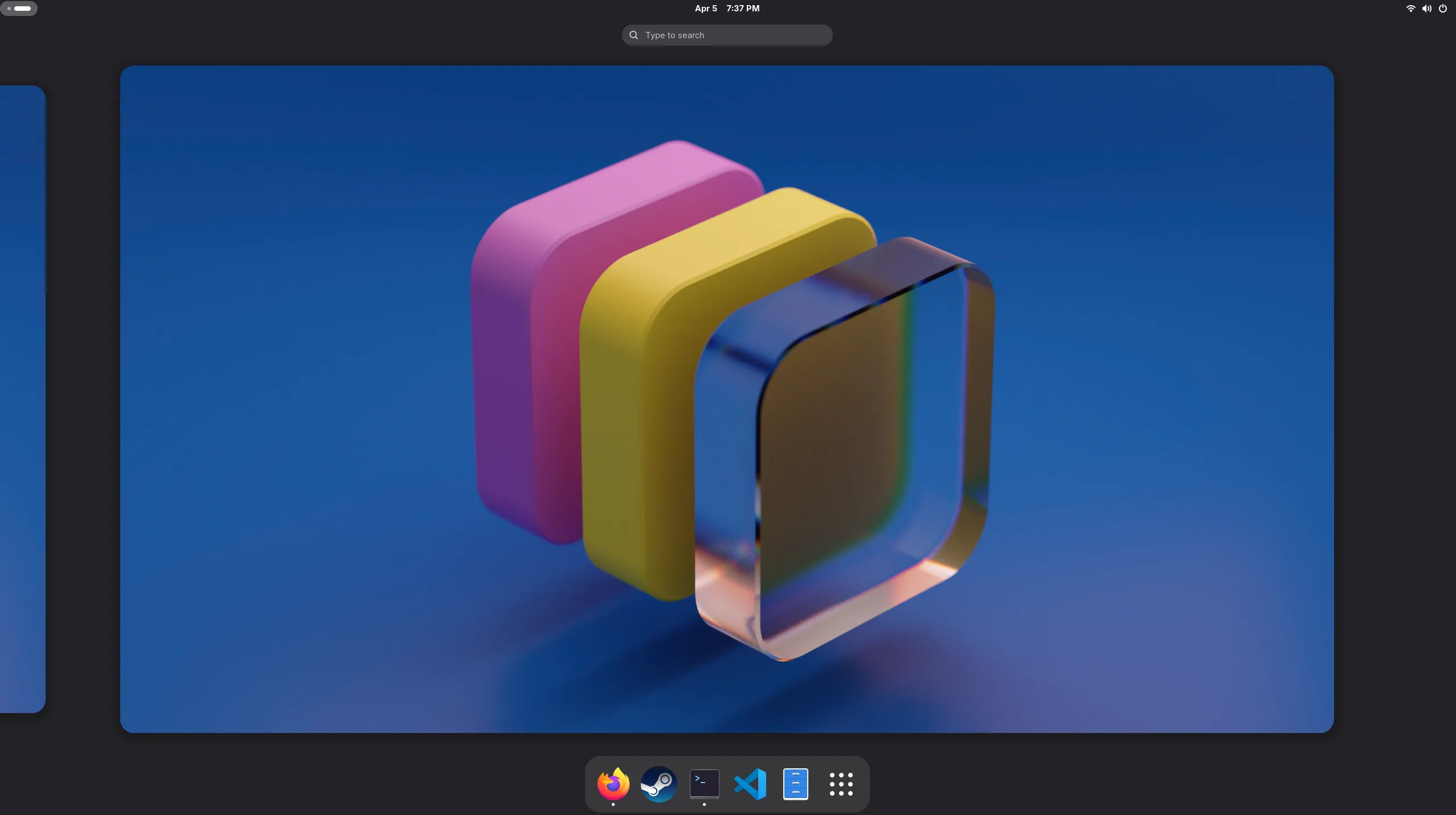
On Fedora I was a KDE guy. Liked the customisation, the widgets, the ability to tweak everything. But when I moved to Arch, I decided to try GNOME instead. I’ve never been a fan of the interface, but I like to try something new. Not be that person who refuses to accept change, so I gave it a go. Last time I used GNOME would have been at least 15 years ago!
Turns out I actually prefer the minimalist approach. There is something about the interface that had me feeling I was using something different.
GNOME on Arch is lean. There’s no Fedora-themed bloat, no random apps cluttering the application menu. Just a clean desktop with the essentials. The workflow is simple, cursor top left and see the launcher and launch what you need.
Pacman: Precise Package Management

As with Fedora and other distributions, when I need something new, I use pacman (instead of DNF)
- Want Firefox? sudo pacman -S firefox. Done.
- Need a compiler? sudo pacman -S base-devel. Clean.
The rolling release model means I’m always on the latest version of everything too. No waiting six months for the next Fedora release. My system evolves continuously.
What’s Different Day-to-Day?
Honestly? Not much, and that’s the point. My desktop looks and surprisingly works the way I want. Simple. When something breaks, I know exactly what I changed because I’m the one who configured it.
System resource usage is noticeably lower. Boot times are faster. The system feels responsive overall. The biggest difference is mental. I feel more in control of my computer, which comes as a surprise.
That same “know what you configured” mindset shows up in identity work too. If you’re locking down access the way you lock down a desktop, I’ve written about Microsoft Global Secure Access.
The Learning Curve is Real
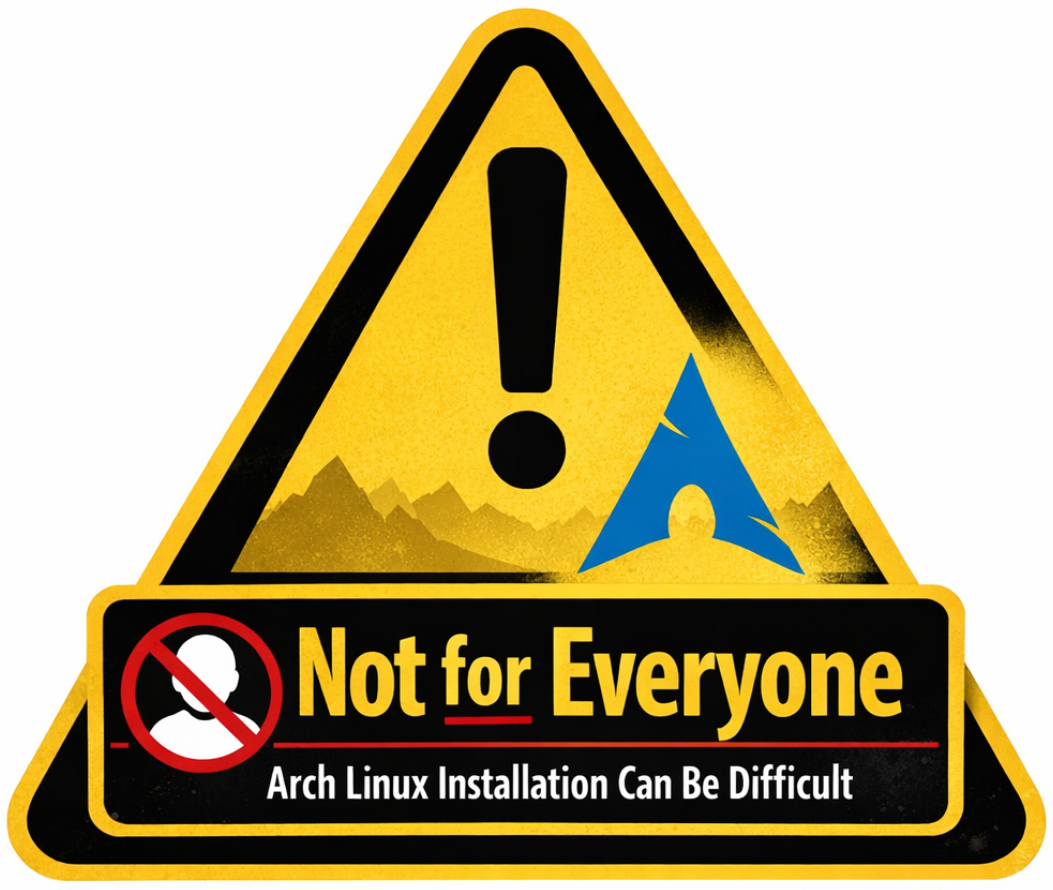
I’ll be upfront: Arch isn’t the right choice for everyone. If you just want a computer that works with minimal effort, stick with Fedora, Ubuntu, or Linux Mint. Arch requires you to get your hands dirty. You’ll spend time in the terminal, reading documentation, and occasionally fixing things when updates go sideways.
But if you enjoy understanding how your system works, who wants to build your environment deliberately, and who doesn’t mind occasional troubleshooting, Arch is brilliant. The rolling release means you need to stay on top of updates. Ignore them for too long and you might have a bad time.
Final Verdict
The combination of Arch’s minimalism, pacman’s precision, and GNOME’s clean interface has been surprisingly perfect for the way I operate. It brings a bit of spark back into using my computer.
That said, I’m not evangelical about it. Use what works for you. For me, right now, that’s Arch.
On the Microsoft side I’ve been digging into certs and cloud PKI with Intune. See Microsoft Cloud PKI.
Have you made a similar switch, or you’re thinking about trying Arch? Drop a comment. Always keen to swap notes with fellow Linux nerds. 💬